You took the photo on an iPhone, sent it to your computer, and now it won't open. Or a website rejects it, or a colleague says "what is a .HEIC file?". The fix takes less than a minute: convert HEIC to JPG, the photo format that opens on every phone, computer and website. This guide shows the fastest free ways to do it on Windows, Mac, Android and iPhone, how to convert hundreds of photos at once without uploading them anywhere, and how to stop your iPhone making HEIC files in the first place.
Quick answer: Open the free HEIC to JPG converter, drop in your photos (up to 100 at once), leave the quality at 90 and press Download. The conversion runs inside your browser, so your photos are never uploaded, and the GPS location is removed from the copies.
What is a HEIC file, and why won't it open?#
HEIC (High Efficiency Image Container) is the photo format Apple has used by default since iOS 11 in 2017. It is based on HEIF, a modern standard that stores a photo in roughly half the space of a JPG of the same quality. That is why your iPhone can hold so many pictures.
The catch is support. Apple devices open HEIC without thinking about it, but many other places still don't:
Older versions of Windows, and Windows PCs without Microsoft's HEIF extension
Many Android phones, photo printers and smart TVs
Website upload forms, job portals, visa and exam application sites
Older versions of Photoshop, Office and other editing apps
JPG (also written JPEG) has the opposite trade-off. The files are bigger, but almost every device, app and website made in the last 30 years can open them. Converting gives you a JPG copy that works everywhere, and your original HEIC stays as it was.
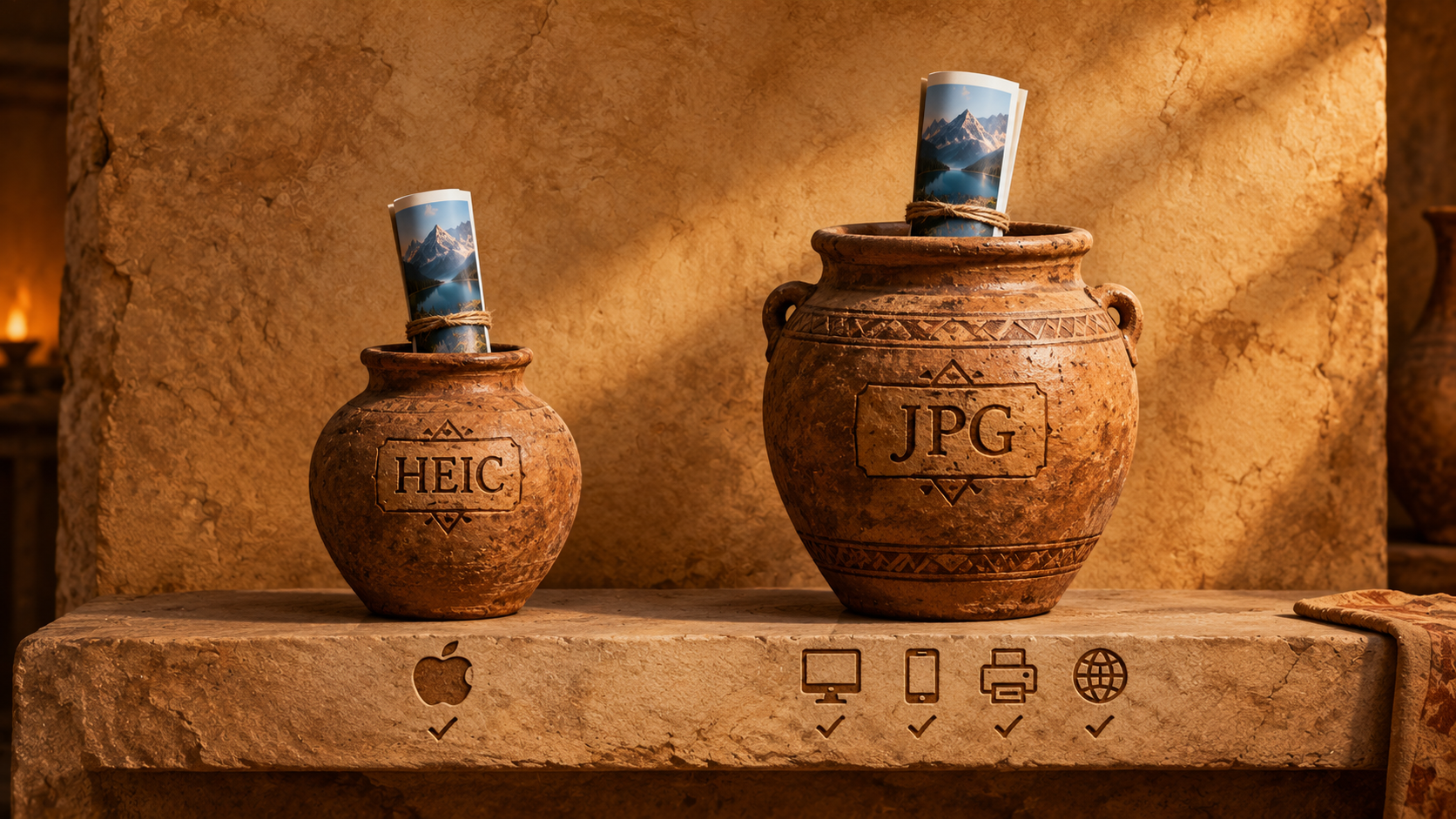
HEIC vs JPG at a glance#
HEIC | JPG | |
|---|---|---|
File size | Small (about half) | Larger (about 1.5 to 2 times) |
Quality at the same size | Better | Good |
Opens on Windows and Android | Not always | Always |
Accepted by websites and forms | Rarely | Almost always |
Transparency and 16-bit colour | Supported | No |
Best for | Storing photos on Apple devices | Sharing, uploading, printing |
Rule of thumb: keep HEIC for your own photo library, and convert to JPG whenever a photo leaves your Apple devices.
How to convert HEIC to JPG for free (any device, no upload)#
This method works on Windows, Mac, Linux, Chromebook, Android and iPhone, in Chrome, Edge, Firefox or Safari, with nothing to install.
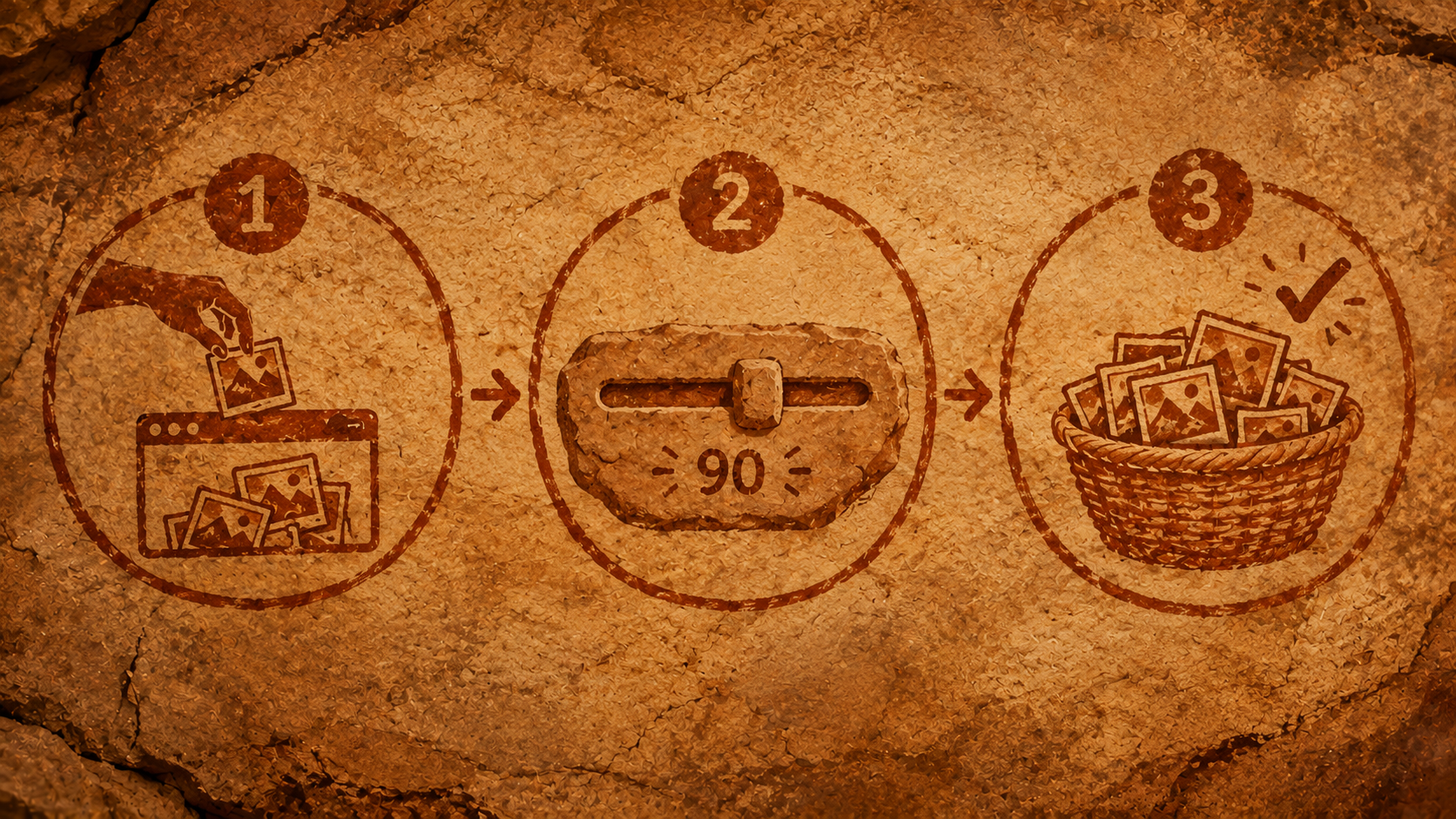
Open the HEIC to JPG converter on Cromagnon.
Drop your HEIC photos onto the box, or click it to choose them. They can come straight from an iPhone, AirDrop, iCloud Photos or a USB cable.
JPG is already selected. Leave the quality at 90: at that setting you can't see a difference from the original.
Press Download for each photo, or Download all to get every JPG in one ZIP file.
That's it. Three things happen that most converters don't do:
Nothing is uploaded. Your browser decodes and converts each photo on your own device. Family photos, ID cards and screenshots of documents never reach a server.
The location is removed. iPhones save the GPS position in each photo. The converted JPGs leave that camera data (EXIF) out, so you don't share your home address by accident.
Photos come out the right way up. Portrait photos are rotated correctly before they are saved, so nothing ends up sideways.
Converting a lot of photos at once#
Batch conversion is where online converters usually push you to pay or sign up. Here you can add up to 100 photos per batch, and keep going with another batch straight after. There is no daily limit, no watermark and no account. For a holiday album of 600 photos, run six batches and you're done in a few minutes.
How to convert HEIC to JPG on Windows 10 and 11#
Option 1: in the browser (fastest, free). Use the steps above. It works on any Windows PC without installing anything.
Option 2: with the Photos app. Windows can open HEIC files once you install Microsoft's free HEIF Image Extensions from the Microsoft Store. On some PCs Windows also asks for the HEVC Video Extensions, which may cost a small fee. Then:
Open the HEIC photo in Photos.
Choose Save as (or … → Save as).
Pick .jpg as the file type and save.
This works one photo at a time, so for more than a handful, the browser converter is quicker.

How to convert HEIC to JPG on a Mac#
macOS opens HEIC natively, so you have two built-in options:
Preview: open the photo, choose File → Export, set the format to JPEG and save. Select several photos in Finder and open them together to export a batch.
Finder quick action: right-click one or more photos, choose Quick Actions → Convert Image, then pick JPEG.
How to get JPGs straight from your iPhone#
You don't always need to convert afterwards. Two settings help:
Make new photos JPG: go to Settings → Camera → Formats and choose Most Compatible. From then on the camera saves JPG instead of HEIC. Photos take more space, so only do this if you often share outside Apple devices.
Convert when sending to a computer: go to Settings → Photos and, under Transfer to Mac or PC, choose Automatic. Photos copied over a USB cable are then converted to JPG on the way.
To convert photos already on your phone, open the HEIC to JPG converter in Safari, tap the box and choose them from your photo library.
How to open HEIC files on Android#
Recent Android phones open HEIC photos in Google Photos and in the gallery app. If yours doesn't, or an app won't accept them, open the converter in Chrome on the phone, choose the photos from your files and download the JPGs. The conversion happens on the phone itself.
Should I choose JPG, PNG or WebP?#
The same converter can save other formats. Choose by what you'll do with the photo:
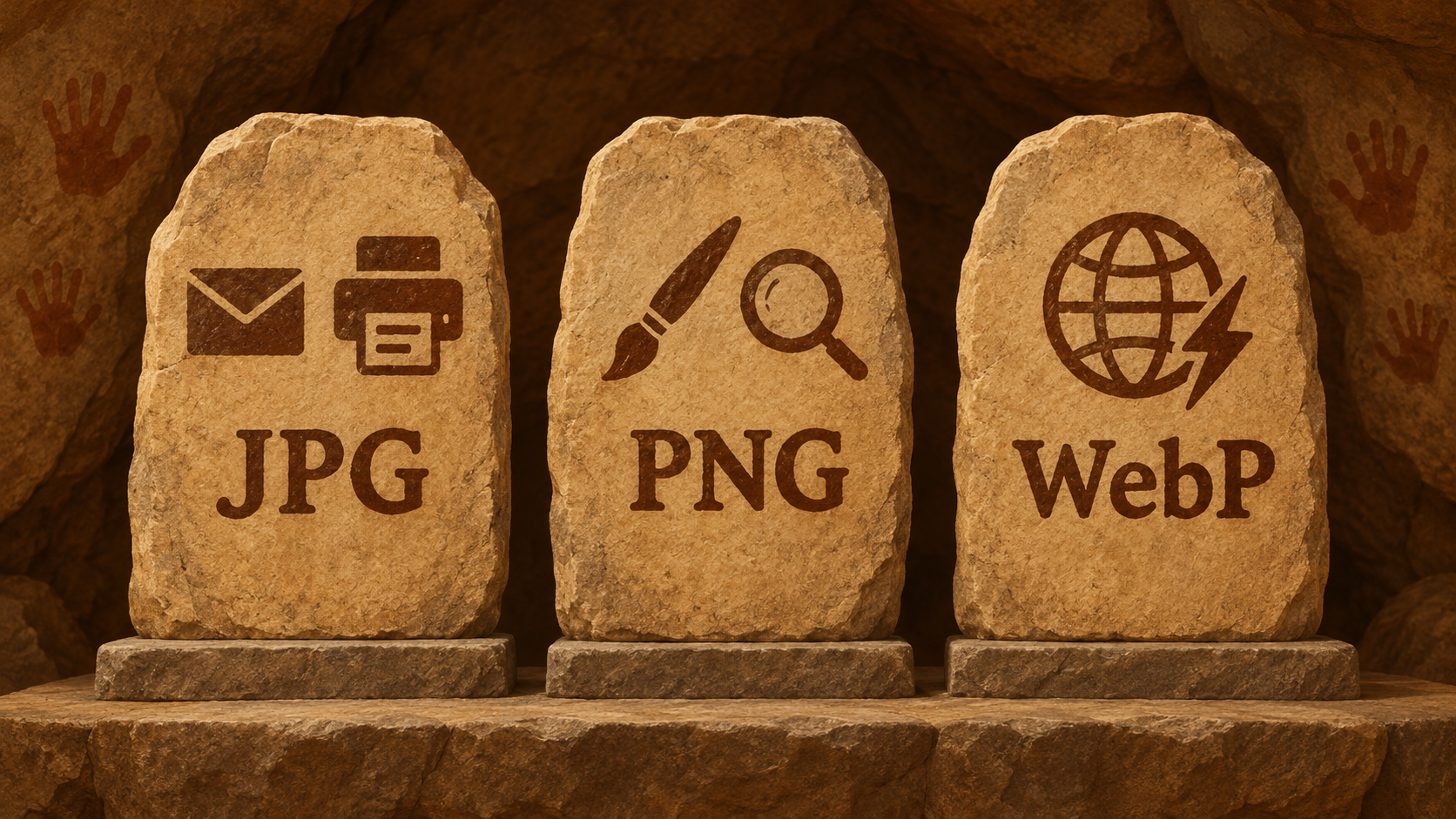
JPG: for sharing, email, printing and upload forms. The safe default.
PNG: when you'll edit the photo again and don't want any further loss of quality. The files are much bigger. Use HEIC to PNG.
WebP: for putting photos on your own website. They are smaller than JPG and supported by every current browser. Use the image converter.
Make the JPGs smaller or resize them#
JPGs from a modern iPhone can be 3–5 MB each, too big for many email limits and upload forms that cap files at 1 or 2 MB. After converting:
Use the image compressor to shrink files to a target size without visible loss.
Use the image resizer to set exact pixel sizes, for example 1080 px wide for social media or 600 × 600 px for a passport-style upload.
For cropping, retouching or removing a background, open Image Studio.
All three run in your browser too, so a whole photo job, from HEIC to a small, resized, privacy-safe JPG, never leaves your device.
Is it safe to use an online HEIC converter?#
It depends on where the converting happens. Most online converters upload your photos to their servers, convert them there, and send them back. You then have to trust their privacy policy, their security, and how long they keep your files. That matters more than it sounds: phone photos often show faces, children, house numbers, documents and the exact GPS location.
A browser-based converter does the work on your device instead. You can check: convert one photo, then turn off Wi-Fi and convert another. It still works, because nothing needs to be sent anywhere.
Frequently asked questions#
Does converting HEIC to JPG reduce the quality?#
Very slightly, as with any JPG. At quality 85 to 92 the difference can't be seen in normal viewing. If you need a copy with no further loss at all, convert to PNG instead.
Will a Live Photo keep its movement?#
No. A JPG is a still picture, so you get the main still frame. The short video part of a Live Photo isn't included.
How do I convert HEIC to JPG without losing the date the photo was taken?#
The JPG file gets a new file date when it is saved, and the camera data is removed for privacy. If you need the original dates, keep the HEIC originals in your photo library. They're unchanged.
Can I convert HEIC to JPG on a Chromebook?#
Yes. Open the converter in Chrome and use it exactly as on any computer.
Is there a limit on how many photos I can convert?#
Up to 100 photos per batch, with no daily limit, no sign-up and no watermark.
Convert your first photo now#
The quickest way to see it work is to try one stubborn photo. Open the HEIC to JPG converter, drop it in and download the JPG, all inside your browser. It's one of the 76 free tools in Cromagnon, a free online office suite that never uploads your files.